

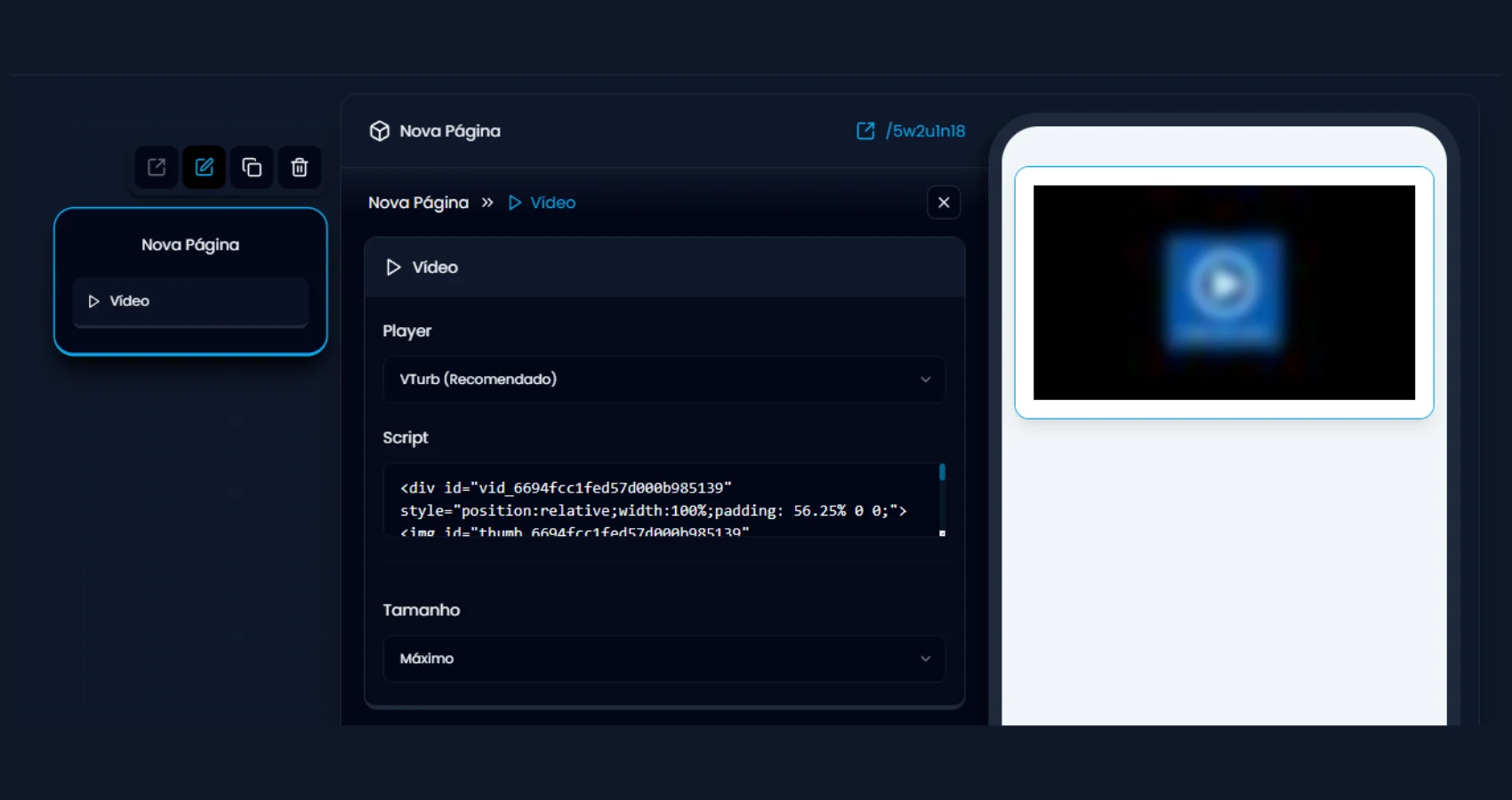
What you can configure
- Video — pick or upload the file from the media library.
- Autoplay — the video starts by itself. On the first page (before any visitor interaction) it starts muted, showing a sound overlay — always displayed in Portuguese (“Seu vídeo já começou / Clique para ouvir”), regardless of your funnel’s language — and tapping it enables sound and restarts the video from the beginning. On later pages (after an interaction), autoplay attempts to start with sound.
- Progress bar — three modes:
- Default: real progress bar with free seeking.
- Smart: illustrative bar that moves faster at the beginning (the video “feels” shorter); viewers cannot seek the video.
- None: no bar; viewers cannot seek either.